How Do Beauty Creators Post Reels Without Filming Every Day?
The algorithm wants video daily. Your nails take an hour to do, your lighting is only good between two and four, and filming a set-up properly costs more time than the post is worth.
So most beauty accounts end up in the same loop. A burst of filming on Sunday, three days of posting, then four days of silence while the next shoot gets scheduled.
There is a different approach that does not involve filming more. It involves using what you already shot, and here is how it works.
Why Daily Filming Does Not Scale
The problem is not laziness. It is that video has fixed costs that photos do not.
- Setup time, since lighting a video is harder than lighting a still
- Retakes, because one wobble ruins a clip while a bad photo costs a second
- Editing, which adds twenty minutes to something that took five to shoot
- Weather and daylight, which decide your schedule rather than you doing so
- Energy, which is the honest constraint nobody posts about
Meanwhile you are sitting on hundreds of photographs. Nail sets, outfit flat lays, hair results, product shots, all perfectly good and all static.
The Shift: Animate What You Already Shot
This is the change that matters for beauty content specifically, because the work is already photogenic and already shot.
ImagineArt AI video generator takes a photograph you already have and adds motion to it. ImagineArt is built around this with image to video as a core function rather than an afterthought, so a flat lay of a manicure becomes a slow push-in with the light shifting across the polish.
You control what moves. Camera direction, motion strength, and what stays fixed are all specified rather than left to the model, which is the difference between a clip that looks intentional and one that looks like a melting photograph.
What Works for Beauty Content
Not every photo animates well. These do.
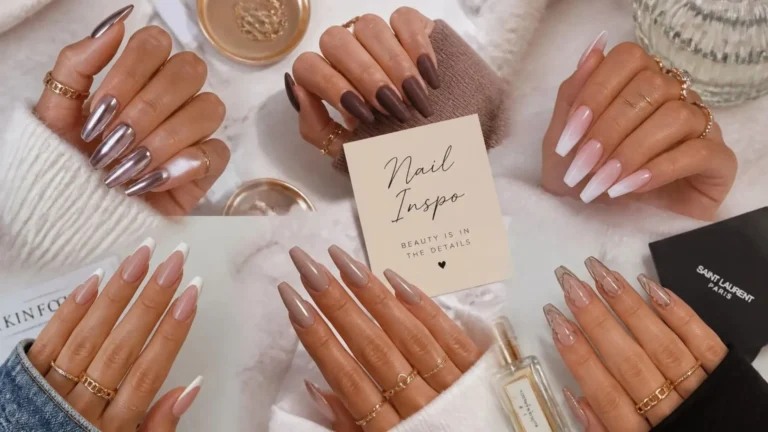
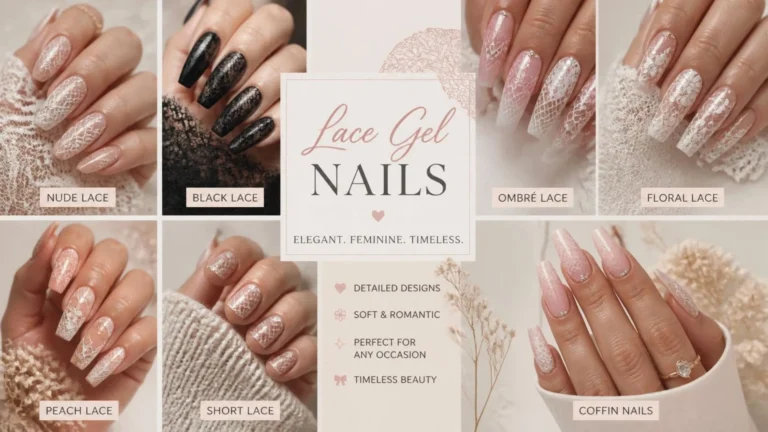
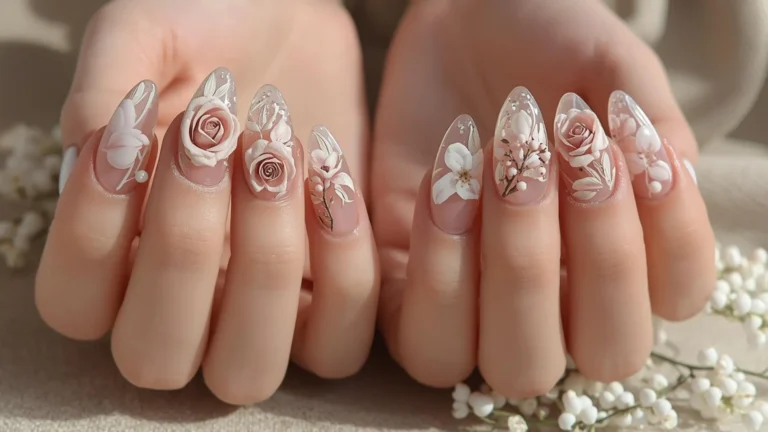
- Nail sets, where a slow rotation or light shift shows the finish properly
- Outfit flat lays, where a gentle pan reads better than a static square
- Hair results, where movement is the whole point and hardest to photograph
- Product shots, where a push-in makes packaging look considered
- Detail shots, where close motion draws the eye to texture or glitter
What does not work is anything needing a face to move naturally in close-up, or anything where the viewer expects to see your actual hands doing the work. Tutorial content still needs filming.
Building a Week of Reels From One Shoot
The practical version of this is batching, and it changes your schedule more than any single feature.
- Shoot stills once, when the light is good, rather than scheduling video
- Pick six to eight frames that have depth or texture worth moving
- Animate each one, generating two or three versions and choosing
- Export vertical, since cropping afterwards costs composition
- Add captions, because most viewing happens muted
- Queue them across the week rather than posting three in two days
One shoot becomes a week of posts. That is the entire proposition.
The Rest of the Creative Suite
The video generator sits inside a wider workspace, which matters because beauty content needs more than clips.
- Image generation across roughly forty models for backgrounds and graphics
- Image editing, including background removal, inpainting, and relight
- Upscaling to 4K, which rescues older photos that look soft on a phone
- Fashion Studio, built specifically for apparel and on-model imagery
- Ad Studio, for anyone running promotions or affiliate campaigns
- Audio Studio, covering voiceover and sound for narrated clips
- Brand kits that hold your palette so your grid stays recognisable
- iOS and Android apps, since ideas arrive while scrolling rather than at a desk
Relight is the underrated one for beauty specifically. Most of your unusable photos failed on lighting rather than composition, and that is fixable without reshooting anything.
What It Will Not Make
Worth being clear, since expectations save frustration.
- No explicit or adult content, which the platform’s policies prohibit outright
- No recognisable images of real people without their involvement, which is a rights issue
- Nothing replacing tutorial footage, where viewers expect to see the actual process
- Clips cap around ten seconds, so longer formats are stitched together
- First attempts are often wrong, so expect to discard several per keeper
That last point is the honest one. Creators producing good output at volume are not getting better first results, they are comfortable throwing most of them away.
Conclusion
Posting daily does not require filming daily. It requires separating the shoot from the post, so one good session of stills feeds a week of motion instead of a single square. ImagineArt makes that practical because the video generator, the image editing, and the relighting that rescues older photos all sit in the same workspace, which means a nail set photographed in March can still become a Reel in November. Start with the free daily credits and animate five photos you already have, since that comparison answers the question faster than any guide can.
Frequently Asked Questions
Will animated photos look obviously AI generated?
Not if the motion is subtle and the source photograph is real. Problems appear when people ask for dramatic movement or generate scenes from scratch. A slow push-in on a genuine photo reads as a considered shot.
Can you still use this if you do not want to be on camera?
Yes, and it suits that case particularly well. Nails, outfits, products, and detail shots carry a whole account without you appearing, which is why so many style pages run this way.
Do you need editing skills to make Reels this way?
No. The direction is given in plain language and export formats are handled for you. The skill involved is choosing which photos are worth animating, which you already have.