
How Can 3 x 2 Thermal Labels Improve Warehouse Bin Replenishment
Replenishment fails when a worker brings the right product to the wrong bin, refills the wrong quantity, or updates the system before the stock is physically in place. A 3 x 2 inch direct thermal label can reduce those mistakes by making the destination and item relationship visible and scannable. It should be part of a controlled location process: identify the bin, verify the item, complete the move, and record the new quantity. The label alone cannot correct inaccurate inventory records or an unclear replenishment rule.
Give each bin one permanent address
Use a location identifier that remains fixed even when the product stored there changes. An address might contain aisle, rack, shelf, and position. Keep the visible form concise and consistent across the building. If workers frequently type the address, avoid confusing character combinations or provide a scanner. Position the address prominently so it can be read before a person reaches into the rack.
Do not print a permanent SKU on the location label unless the operation intentionally assigns that bin to one SKU. If the slot is flexible, the inventory system should hold the current SKU-to-location mapping. A stale item name printed on the bin can override the correct digital record in a hurried worker’s mind. For dedicated pick faces, a separate replaceable item label may sit beside the permanent location label.
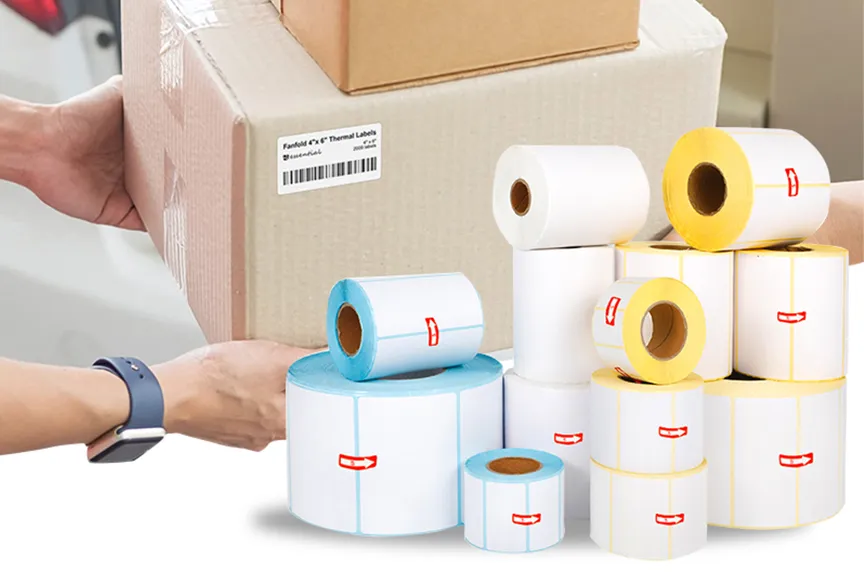
The 3 x 2 direct thermal labels format offers room for a clear address and a barcode without occupying a large shelf area. Verify that the roll’s core, diameter, and gap sensing work with the printer. Compare the physical label to the usable mounting face of the shelf before ordering many rolls.
Decide what the scan confirms
A replenishment scan should have a defined purpose. Scanning the source container may confirm the SKU and lot. Scanning the destination bin may confirm the location. A final quantity entry may confirm the amount moved. The software should distinguish those steps, rather than accepting any barcode in any sequence. If the system only checks that a barcode was scanned, a worker may scan an adjacent bin and still complete a wrong move.
Encode a stable, short location ID on the bin label. Use the barcode type supported by the handheld devices already deployed. Keep a clear quiet zone around the code and test it at the viewing distance found in high and low rack positions. If a long address makes the barcode too dense, use a short internal key linked to the full location record. Do not shrink the symbol until it barely fits.
Print the human-readable address beside or above the symbol. This allows workers to cross-check the destination when a scanner is unavailable and makes exceptions easier to investigate. A barcode that scans but has no readable text can slow operations when a label is partly damaged.
Design for the actual shelf environment
The template should be created at 3 by 2 inches, with enough margin to tolerate normal printer variation. Place the address in large type and the barcode where a handheld scanner can reach it without tilting into neighboring labels. Do not add multiple product names or long instructions. If a bin has a minimum and maximum quantity, consider whether that information belongs on the label or in the replenishment software. Printed thresholds become stale when demand or packaging changes.
Attach the label to a flat, clean surface visible when the bin is full. If the front lip is narrow, a label holder or a different size may work better than folding a paper label around the edge. Test the adhesive on the shelf material after normal cleaning. Some plastics and powder-coated surfaces need more careful preparation than smooth cardboard. Avoid placing labels where forklifts or carts routinely abrade them.
Look at the aisle from the worker’s perspective. Can two adjacent bin labels be scanned accidentally? Are the codes visible from the normal stance? Would a label placed lower on the rack be hidden by a tote? A good template in an office can still fail in a crowded rack. Walk the route with a sample label before a large rollout.
Run a controlled pilot
Select a small set of bins with different heights, surfaces, and replenishment frequencies. Print labels using the production printer and settings. Scan each after application, then perform real moves under supervision. Record wrong-scan attempts, manual lookups, label damage, and steps that workers skip. A pilot can reveal that the label is fine but the software sequence is too slow or the address convention is hard to interpret.
After the pilot, compare physical stock, printed bin ID, and system location. Correct any data mismatch before expanding. If the location code is reissued to another slot, remove the old label fully. Two active-looking labels on one rack position can create a persistent source of errors. Keep a record of the template version and who is allowed to replace location IDs.
Set a practical replacement rule as well. A label with a torn corner may still be usable, but one with a damaged barcode, missing address character, or loose edge should be replaced promptly. The replacement procedure should print from the current location record rather than from an old saved image. Otherwise the new label can reproduce outdated information. When a rack layout changes, scan and verify every affected location before normal replenishment resumes. This short audit is less costly than tracing several wrong moves later.
Troubleshoot the source of a wrong move
When a replenishment error occurs, ask whether the item was wrong at the source, the destination was wrong, the quantity was entered incorrectly, or the system record was stale. A clearer bin label may fix only the second problem. Review transaction logs and physical samples rather than assuming staff simply failed to look. If scanning failures occur only on damaged labels, inspect placement and abrasion. If every print scans poorly, review printer calibration, darkness, barcode generation, and printhead condition.
General guidance on direct thermal labels can help compare formats for shelves and cartons. For a warehouse bin, the success criterion is operational: a worker can identify the destination quickly, the scanner returns the intended location every time, and the system records the move only after the physical stock reaches that location. The label should support that sequence, not replace it.